


Accessible files and documents
File Remediation
Make PDF, Word, PowerPoint and other digital documents accessible
At AccessiBit we help you fix the content and components of your files, to improve your users’ experience and comply with international standards.
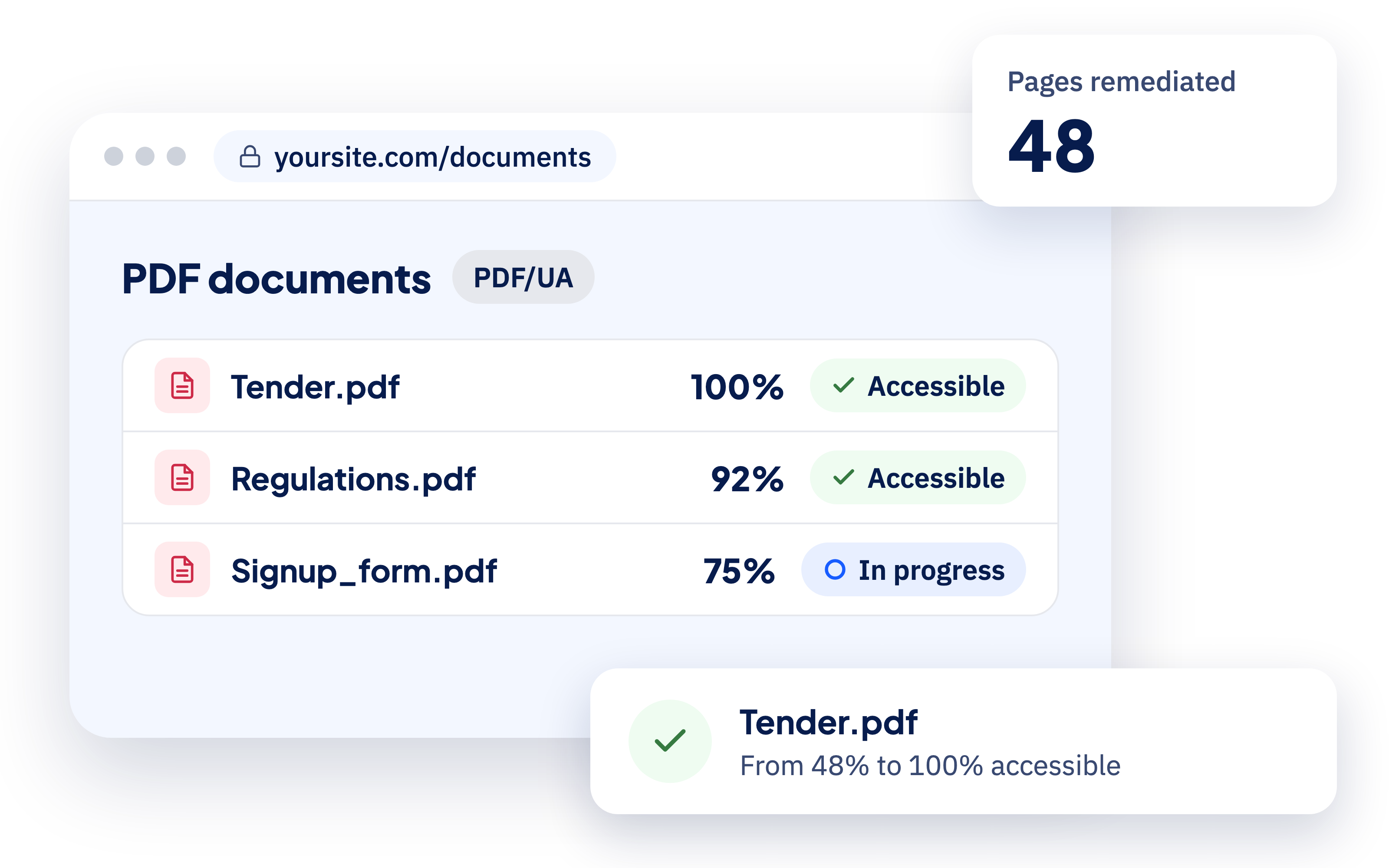
Digital documents can have accessibility issues
If you publish digital content, remember that it needs to be checked, and fixed wherever issues turn up, to make it usable and legally compliant.
Structure, tags, headings, reading order, images, tables, links and forms must be interpreted correctly by assistive technologies too.
Word
Styles, hierarchy, images, tables and document structure are checked and corrected so the content is easier to navigate and understand.
PowerPoint
Element order, slide titles, images, charts and content must keep a reading path that makes sense outside the visual presentation too.
Excel
Tables, headers, sheets, cells and information must be organised so the structure of the data, and how it relates, can be understood with assistive technologies too.
What makes a document accessible?
A document is accessible when everyone can find, understand and use the information in the file, including through screen readers, crawlers and keyboard navigation.
How file remediation works
Step 1 — We analyse the documents
We collect the files and check their structure, content and characteristics to identify the main accessibility barriers.
Step 2 — We fix the issues
We correct whatever gets in the way: structure, reading order, headings, images, tables, links, forms and other relevant components.
Step 3 — We check the result
After remediation the document is reviewed again to check the changes made and catch any remaining issues.
Step 4 — We deliver the remediated files
You receive the updated documents together with what you need to understand the work done and handle future materials correctly.
FAQ
Frequently Asked Questions
Contact us
Leave us your details
One of our consultants will contact you as soon as possible